
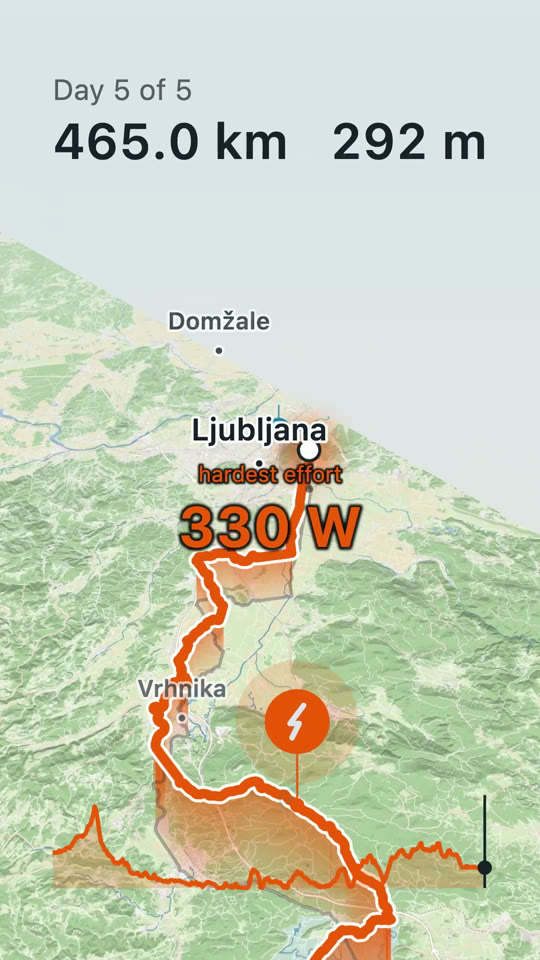
How It Went answers it with a short film: your route drawing itself across a tilted map, your photos landing where you took them, your best clips playing where they were shot. Cut on your phone or your Mac, from the files you already have.
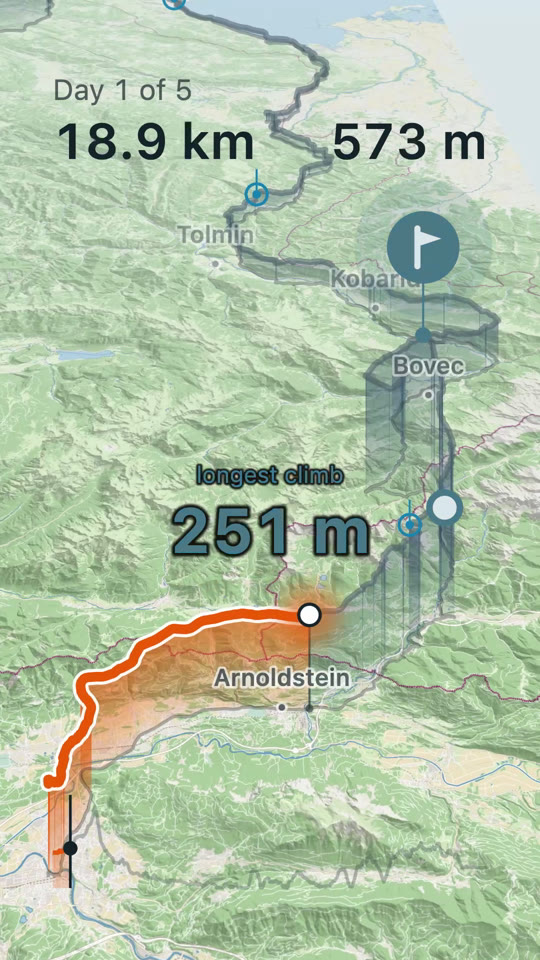
You get home with some photos, a couple of clips, and a GPS track nobody is ever going to scroll through — from one long Saturday, or from a week away.
A slideshow fails on exactly the day you most want to keep: the long solitary one where you were too tired to take pictures. The track is the only thing recorded densely enough to carry a day on its own — so here the route is the film, and the photographs punctuate it.
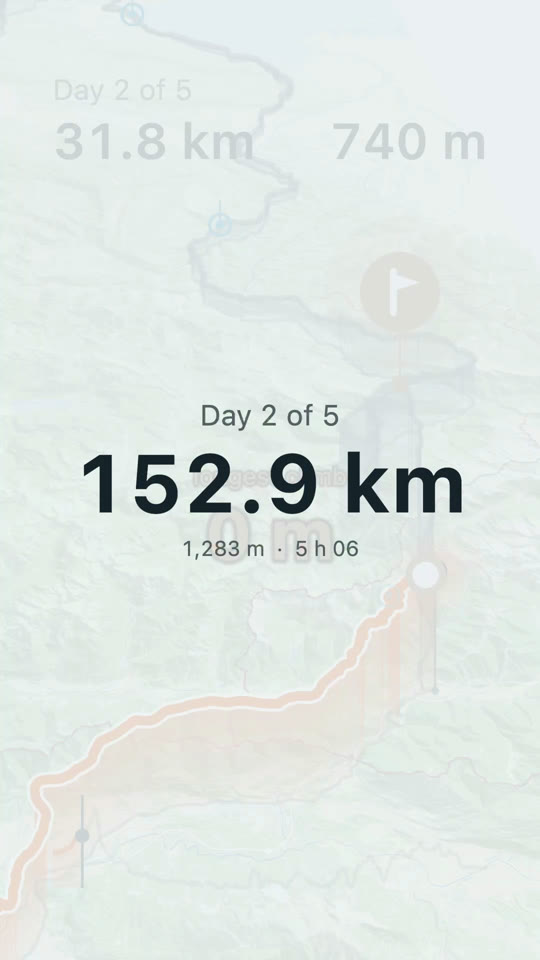
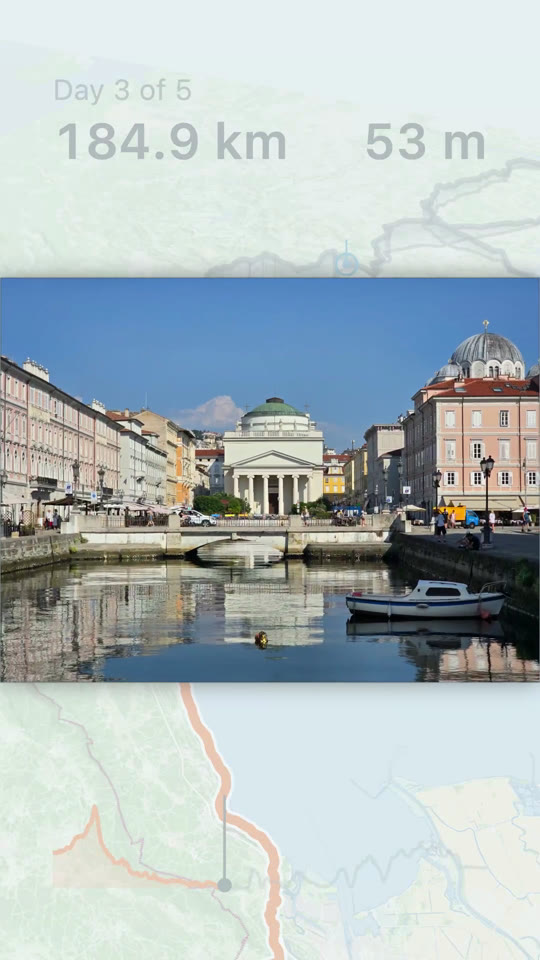
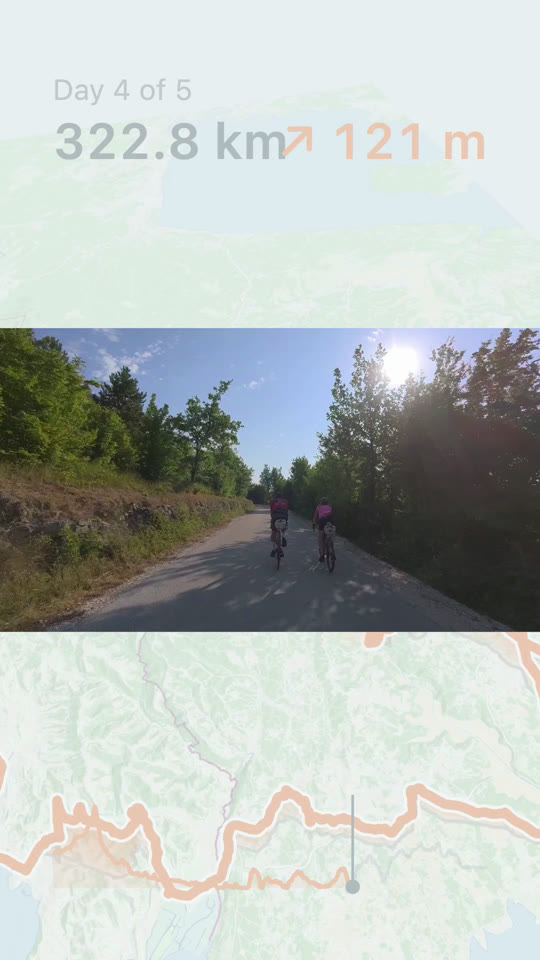
Pick rides straight from your Strava account, or bring the files: Garmin FIT, including the zip you get from Export File in Garmin Connect, and GPX. Drop in a whole trip at once, or send one ride over from another app’s share sheet.
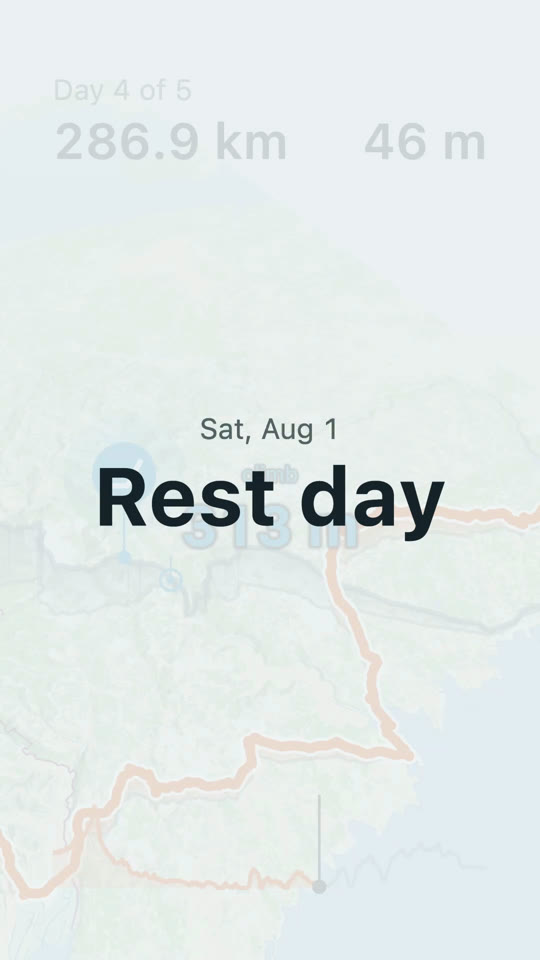
Several activities merge into one film, day by day, with rest days kept as rest days rather than dropped. A single ride is a film on its own: it opens on the date and the distance, with no day count to sit through.
Placed along the track by the time they were taken. Drag any that land wrong, and the correction stays put while you keep editing.
A four-minute action-cam file usually holds two or three moments worth keeping, not one. Pull each out on its own.
An action cam never set to local time will drop your lunch stop in the wrong valley, and you can’t tell by looking at the photo. Fix the clock once and everything shot on that camera moves together. The times in your film are the times you rode at — edit after you’ve flown home, and a photo taken at 1:30 still says 1:30.
No leaderboards, no segments, no percentiles, nothing that ranks you against anybody else. The figures in the film say what kind of day it was.
Out comes an ordinary video file: 9:16 for Instagram and TikTok, or 16:9 for YouTube. The film is put together on your phone, so you can post it the evening you get in. The Mac version is a real Mac app, not the phone one in a window: open a ride from Finder, and send a trip from your phone to your Mac and back.