How It Went

How It Went · Premium

Premium

More looks, photos first, your own soundtrack and your own opening.

How It Went cuts one ride or a whole trip into a short film from your GPS track, photos and clips, on your phone or your Mac. Premium adds four things to it. Everything it takes to make the film stays free.
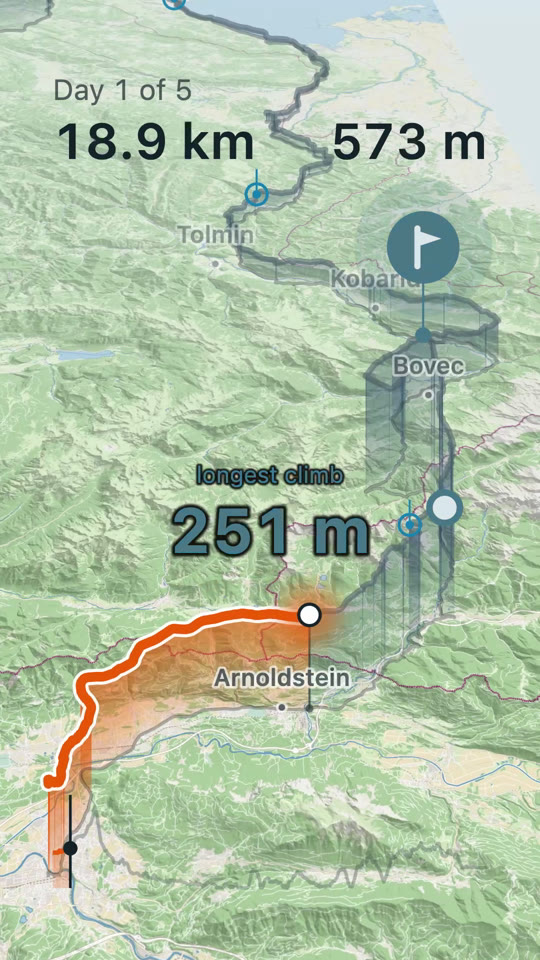
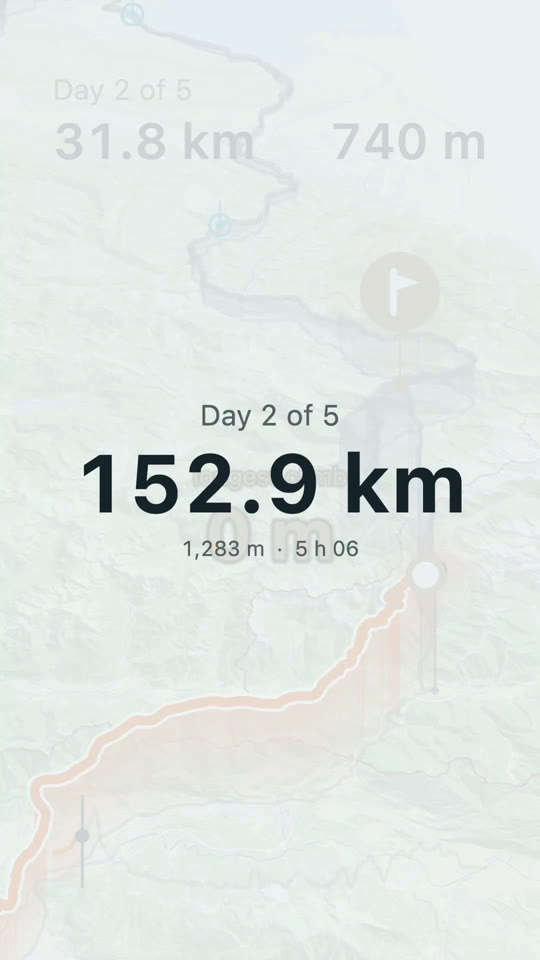
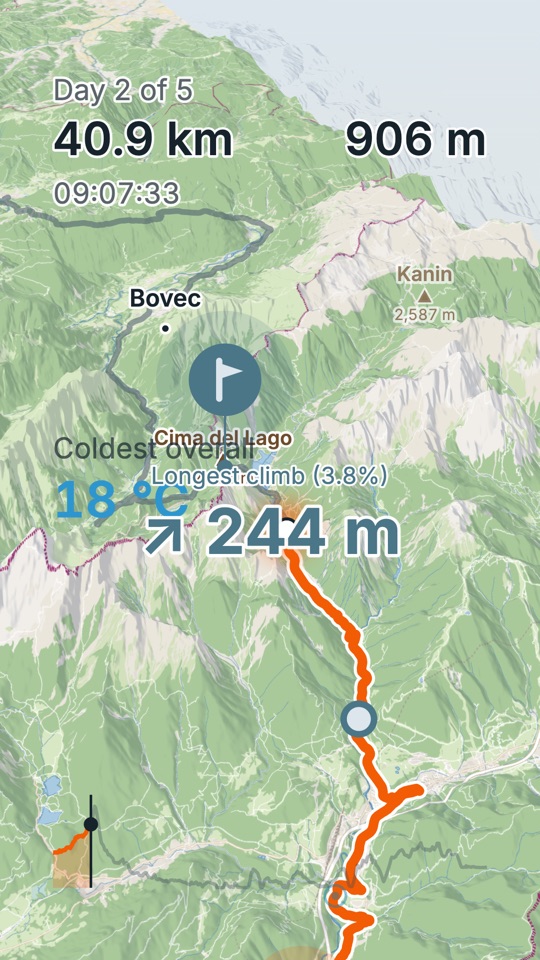
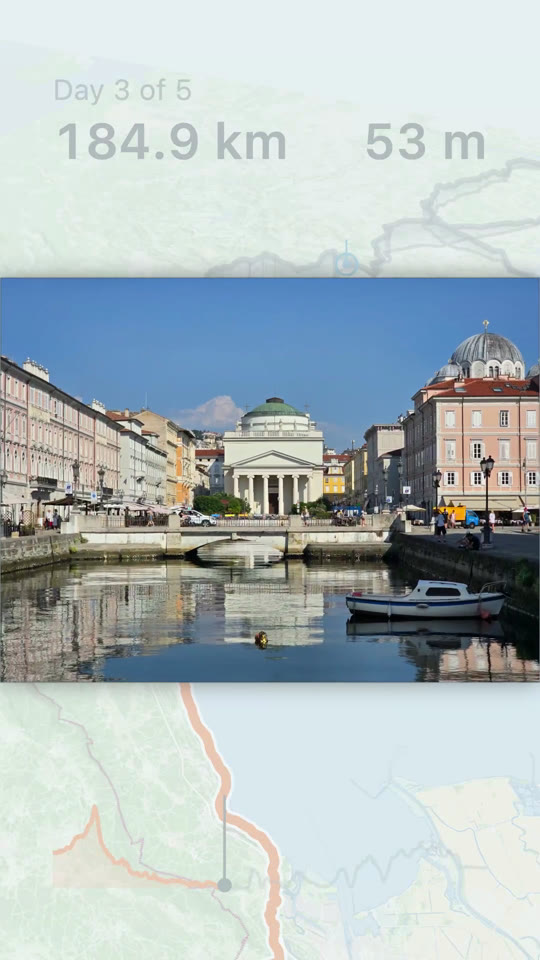
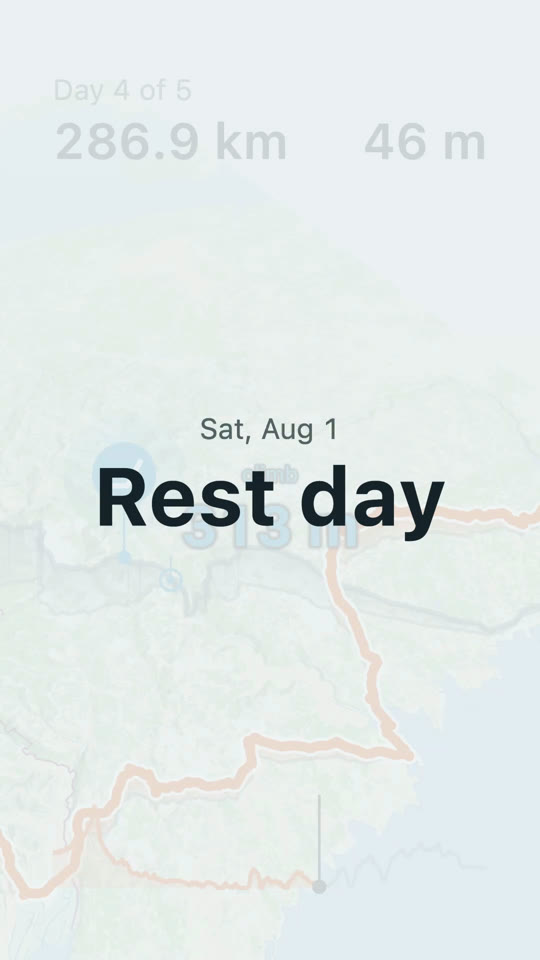
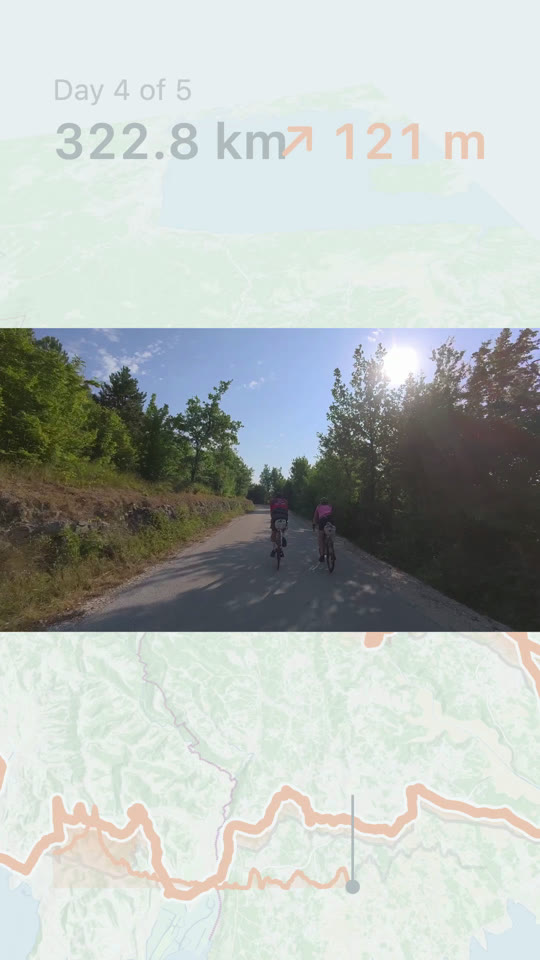
Day 1 of 5: the orange track crossing a tilted map, the longest climb labeled 251 mA day card: Day 2 of 5, 152.9 km, 1,283 m, 5 h 06Day 2 of 5: the track climbing through mountains drawn in 3D, Kanin labeled 2,587 mA photo of the Canal Grande in Trieste over the map, at the spot it was takenA card reading Sat, Aug 1, Rest dayAn action-cam clip of two people riding a shaded road, over the mapDay 5 of 5: 465.0 km, the track near Ljubljana with the week's hardest effort
Your track draws itself across the map.Each day opens on a card with its numbers.The mountains stand up, and the peaks get their names.Photos show up where you took them.Rest days stay in as rest days.Clips play where they were shot.Distance and elevation gain stay on screen the whole way.

Hold to pause

In the app, open Settings and tap Premium. Pay once or yearly, and try it free for a week first. Premium is in version 2.0.0 and later.

Or buy it here on the web. It goes on your account, and every device you sign in on has it. See the prices and buy

Have a code? Redeem it at my.howitwent.app/redeem, then sign in to the app with the same address. How a code works.

What Premium adds

Four things Premium adds to the free film.

The same moment of a film twice, side by side, on day 2 at 129.7 km as the route crosses into Italy at Gorizia. On the left, in Daylight, the map is green with a blue sea and an orange track. On the right, in Dark slate, the map is near-black with a navy sea and the track in a lighter orange. A
More looksFive more looks for the map: Overcast, Paper, Golden hour, Dark slate, and Time of day, which follows the sun: Dark slate at night, warm around sunrise and sunset, Daylight through the day.
A film frame filled by a photograph of a rider in a stone tunnel, a church tower in the sunlit village beyond. In the bottom corner, a small map tile carries the orange route. B
Photos firstYour photos and clips fill the frame, and the route keeps drawing itself in the corner.
Your soundtrackPick the style, ask for another take, and set the dials for layers, rhythm and tone. The score follows your climbs, speed, heart rate or power.
The free opening: a title card over the faded map, reading Wed, Jul 29, 5 days riding, 6 days total, 469.5 km.
The same title card over a photograph of the Soča gorge, its green water between wooded cliffs.
D
The opening shotsOpen the film on your own photo or clip with the title over it, and pick which shots come first. Naming the film stays free.

Always free: your whole trip from your own files, every export size, the Daylight map, the default score, naming the film, the clock fix.

One free account carries Premium to iPhone, iPad, Mac and Android.

Premium is in the app, and on the web.

Get Premium

And in every film, free

The app did everything ringed in orange by itself.

How It Went · 469.5 km · 9:161–6
Day 2 of 5: mountains drawn in 3D, Kanin labeled 2,587 m, the longest climb reading 244 m 1
Relief, peak, climb
Day 2 of 5: 152.9 km, 1,283 m, 5 h 06 2
Day card
A photo of a canal in town, shown over the map 3
Photo, where taken
Sat, Aug 1: Rest day 4
Rest day
An action-cam clip over the map 5
Clip, where shot
Day 5 of 5: 465.0 km, 292 m 6
The day's numbers
  1. The mountains stand up off the map, and the peaks carry their names and elevations, Kanin at 2,587 m here. The longest climb gets called out with its average grade.

  2. Each day opens on a card with its distance, elevation gain and moving time.

  3. Photos land on the route where you took them, by the time they were taken. If a camera's clock was off, fix it once and everything shot on that camera moves together.

  4. Rest days stay in as rest days instead of getting dropped.

  5. Clips play where they were shot. A four-minute file usually holds two or three keepers, and you can pull out more than one.

  6. The numbers stay on screen all the way, and the film picks out the highest point, named passes with their elevation and the spot where you crossed a border.