Released August 29, 2026
The steps say what they are, a trip sent to your other device arrives with its names intact, and the export screen warns you about an unmarked border while you can still do something about it.
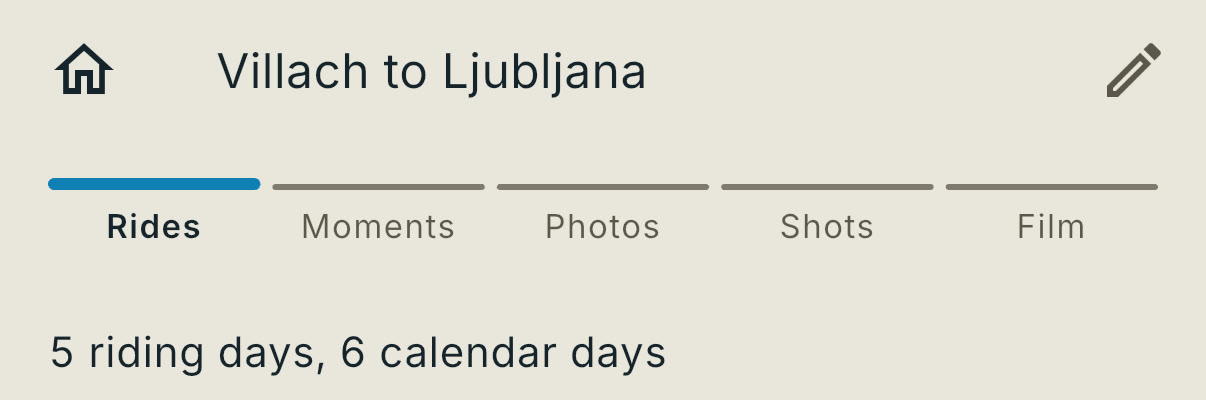
Rides, Moments, Photos, Shots and Film, named right under your trip. It used to be five little dots, which told you how many steps there were and nothing else.
Knowing you are on Shots is most of knowing what Shots is for.
How it works today: How a trip is put together
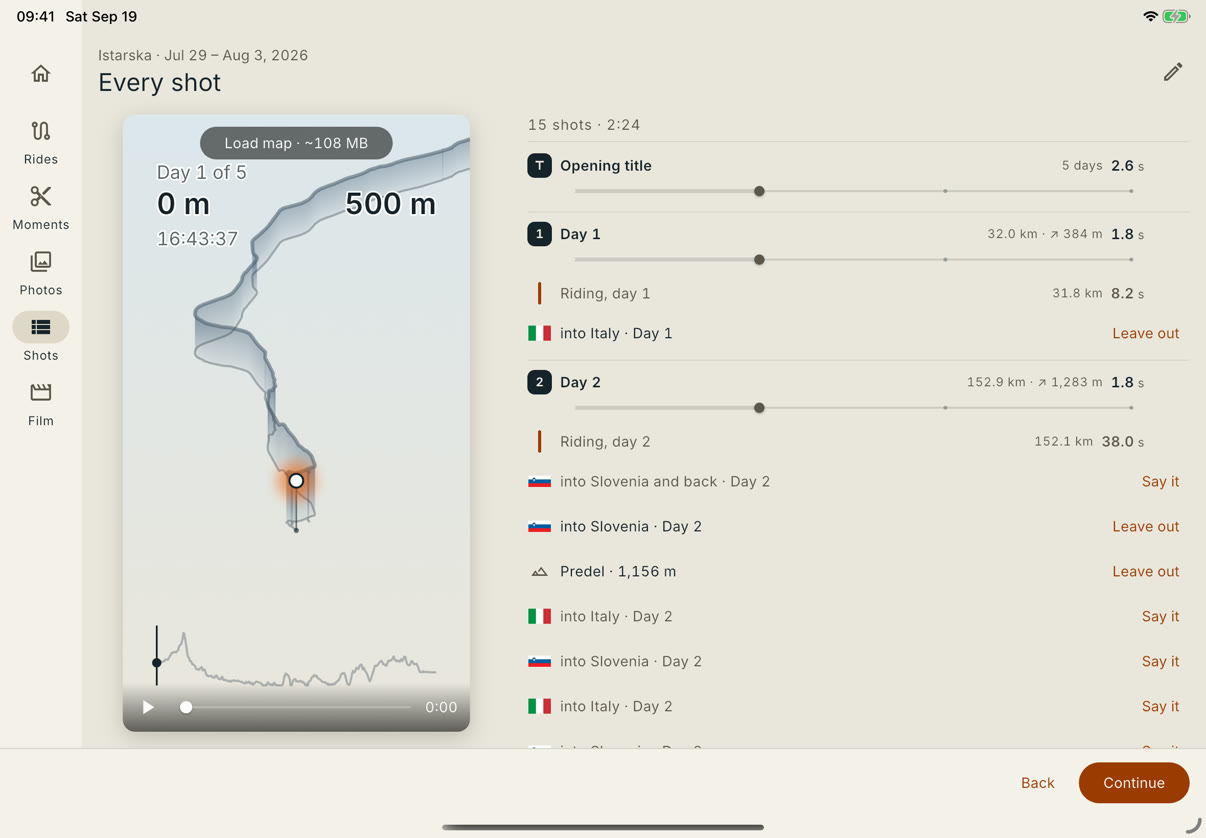
Send a tour to your other device and the marked border crossings, the summit names and the station names come with it. Same film on both.
Before this, the receiving device had the track and had to go and ask the map about everything else again — which meant the same trip could come out as two different films depending on which device you finished it on.
How it works today: On a Mac or an iPad
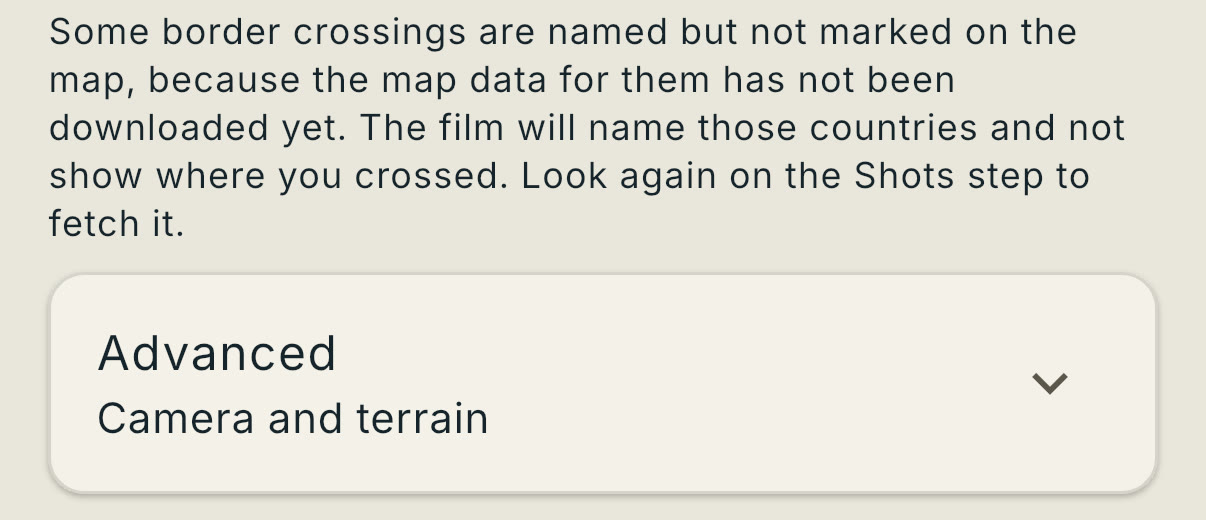
If a border crossing is named but not marked on the map yet, the Film step says so before you export, and Look again on the Shots step fetches the map data it is missing. Afterward it is a film you have already written.
How it works today: Getting the film out