 How It Went
Premium for How It Went
Buy Premium here.
Lifetime or Yearly. It goes on your account and works in every app you sign in to, on iPhone, iPad, Mac and Android.
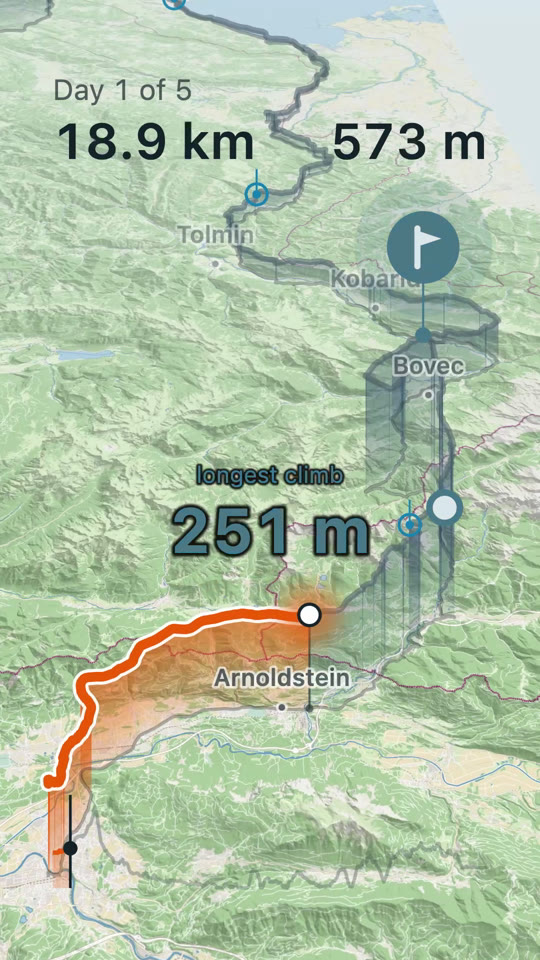
How It Went turns your GPS track, photos and clips into a short film that follows your route, on your phone or your Mac. Here's one: five days riding and a rest day.

Hold to pause
Premium Lifetime: … once. Premium Yearly: … a year. Couldn't load the prices. Reload the page to try again.
Buy Premium
Signed in as .
Pay once. No subscription.
The Yearly you bought here stops renewing if you buy Lifetime. It runs to the end of the year you've paid for, with no refund and no further charge.
Renews every year until you cancel.
Paddle sells Premium for us and takes care of the payment, the tax and your receipt. Buying means you agree to our terms and our refund policy.
You already have Premium Lifetime on , so there's nothing more to buy.
Want to try it first? The free trial is in the app.



Finishing up
Paddle has the payment. Premium reaches your account in a few seconds.
You have Premium
Lifetime, on . It works on every device you sign in on.
Yearly, on . It works on every device you sign in on.
To change the card or cancel, use the link in Paddle's receipt email.
Open How It Went and sign in with this address.
Your purchase is on its way
Paddle has your payment and has emailed you a receipt. Premium can take a few minutes to reach your account. If it isn't in the app by tomorrow, email hello.howitwent@codeux.design and we'll look into it.
The same film, frame by frame
The app did everything ringed in orange by itself.
1
2
3
4
5
6
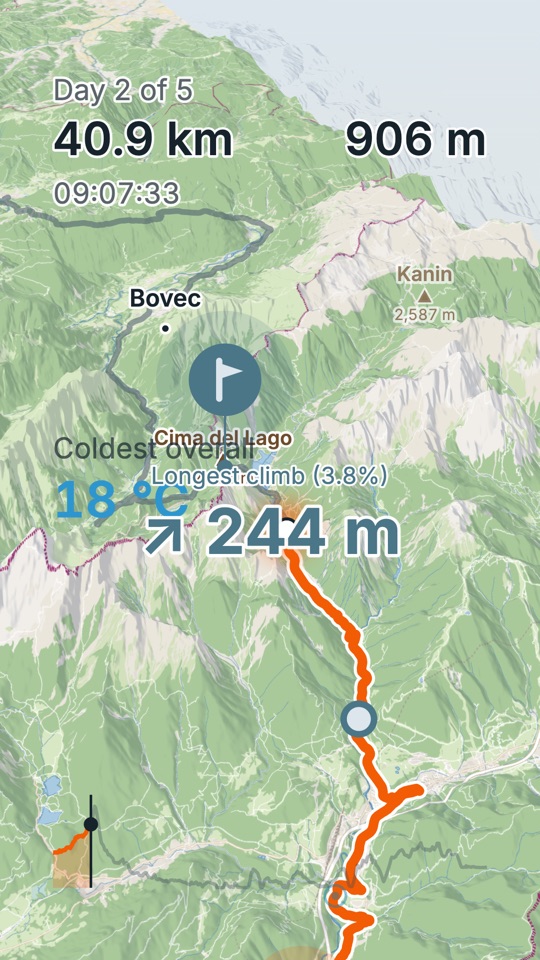
The mountains stand up off the map, and the peaks carry their names and elevations, Kanin at 2,587 m here. The longest climb gets called out with its average grade.
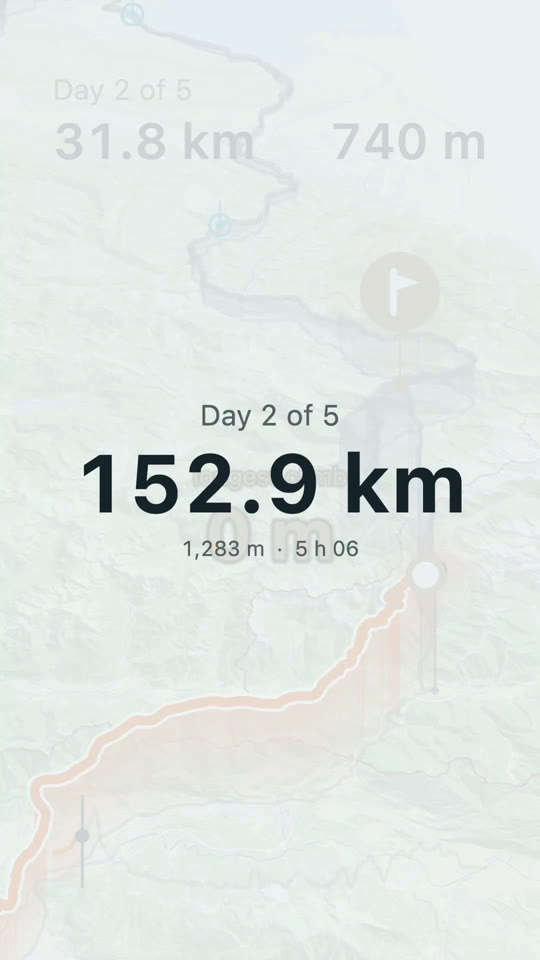
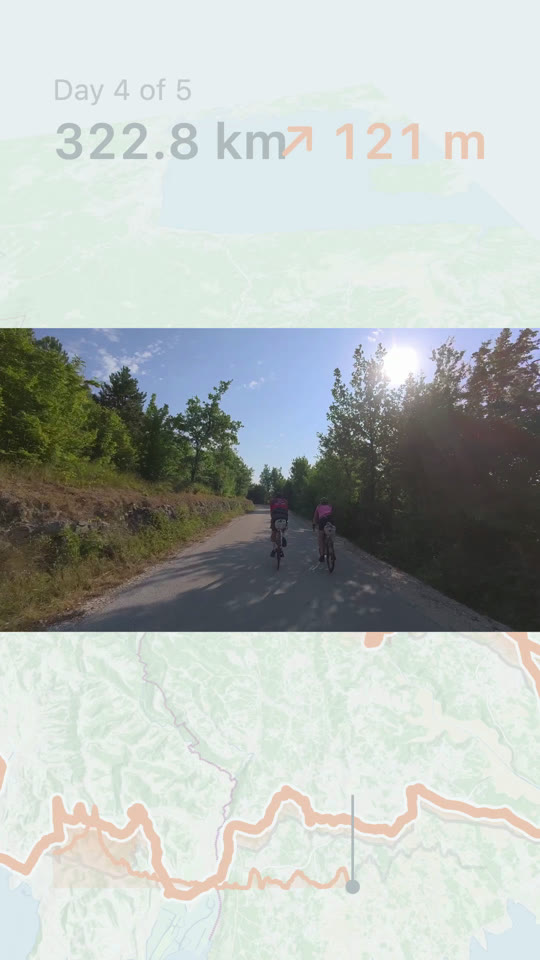
Each day opens on a card with its distance, elevation gain and moving time.
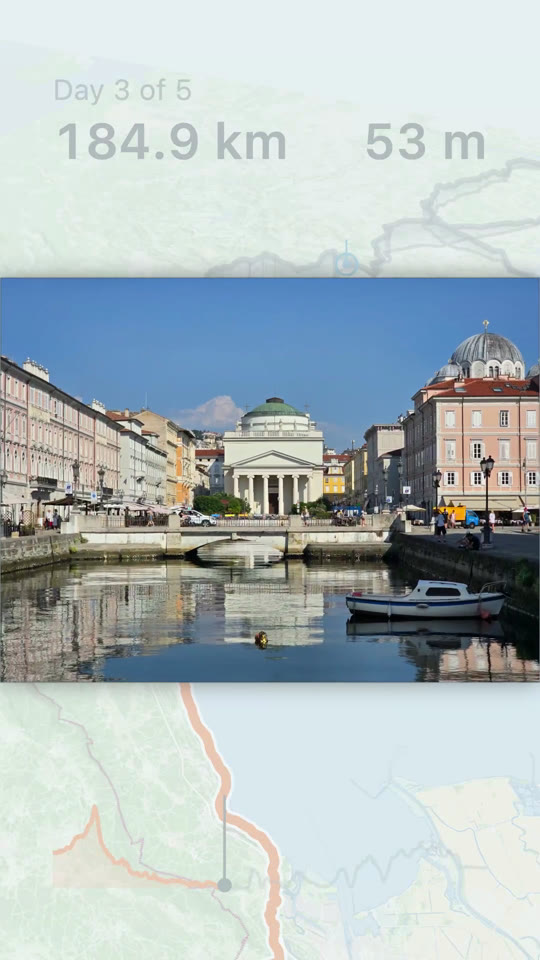
Photos land on the route where you took them, by the time they were taken. If a camera's clock was off, fix it once and everything shot on that camera moves together.
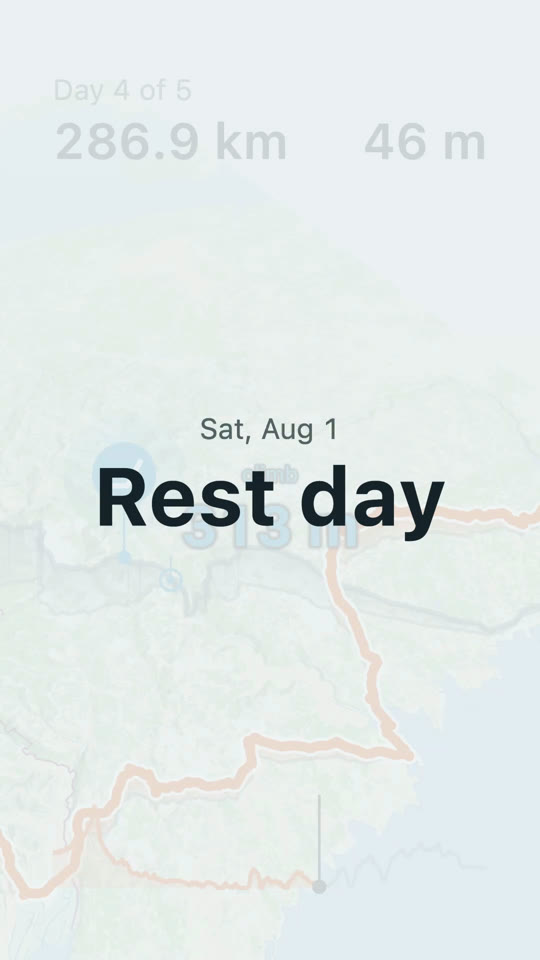
Rest days stay in as rest days instead of getting dropped.
Clips play where they were shot. A four-minute file usually holds two or three keepers, and you can pull out more than one.
The numbers stay on screen all the way, and the film picks out the highest point, named passes with their elevation and the spot where you crossed a border.
What you get
Four things Premium adds to the free film.
 A
A
 B
B


Always free: your whole trip from your own files, every export size, the Daylight map, the default score, naming the film, the clock fix.
One free account carries Premium to iPhone, iPad, Mac and Android.
Premium Lifetime, one payment.
Buy it